
These tutorials are basically write-ups of my experience with various USB/PXE projects and OS’s.
Many of the articles assume you are using RMPrepUSB, but other tools are also used.
Article 001 is the first article which was written around 2013.
Article 148 was written in 2021.
Click here (OneDrive folder) if you cannot find any file mentioned in the articles on this site or
Some of the links in the older articles may no longer be valid.
Some of the software mentioned in the older articles may no longer be available or there may be dramatically better alternatives around now.
If you are interested in USB Multiboot drives, I recommend my other project Easy2Boot.
There are also a number of eBooks available here.
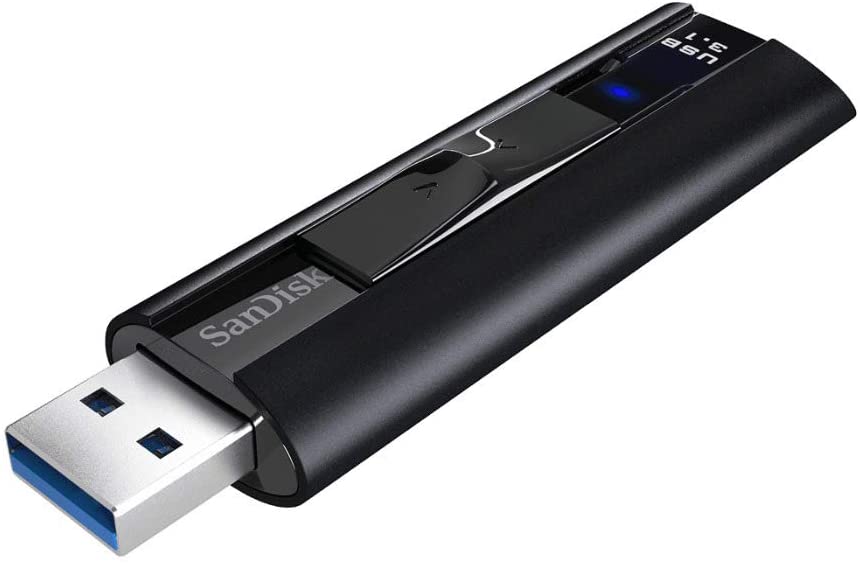
Very fast, sturdy and retractable. Simply the best!
